
The power of Coax Phones
Make and receive calls where you want to be. One number, every device, in your customer's thread.

Where you work
Make and receive calls where you want to be
No more being tied to a desk. Take and make calls from wherever you are.
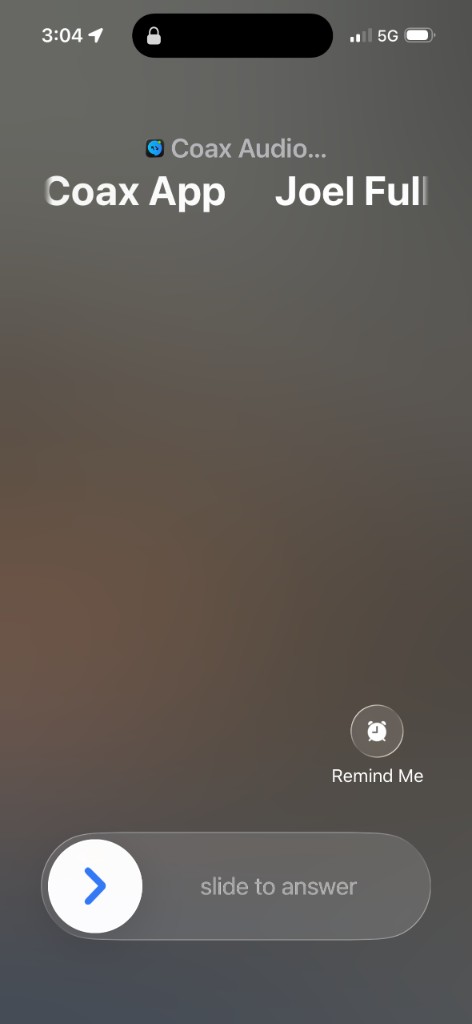
On iOS, incoming calls show the caller and their company name on your lock screen - so you know who's calling before you answer. Because Coax has context on the caller, we also surface a contextual summary before you even pick up.
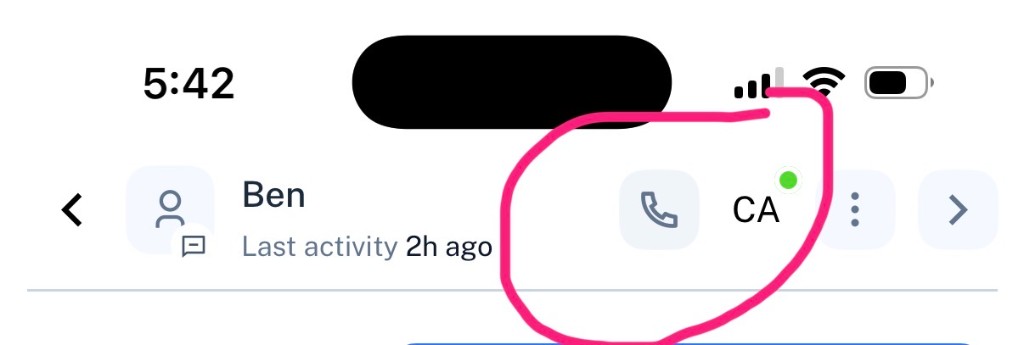
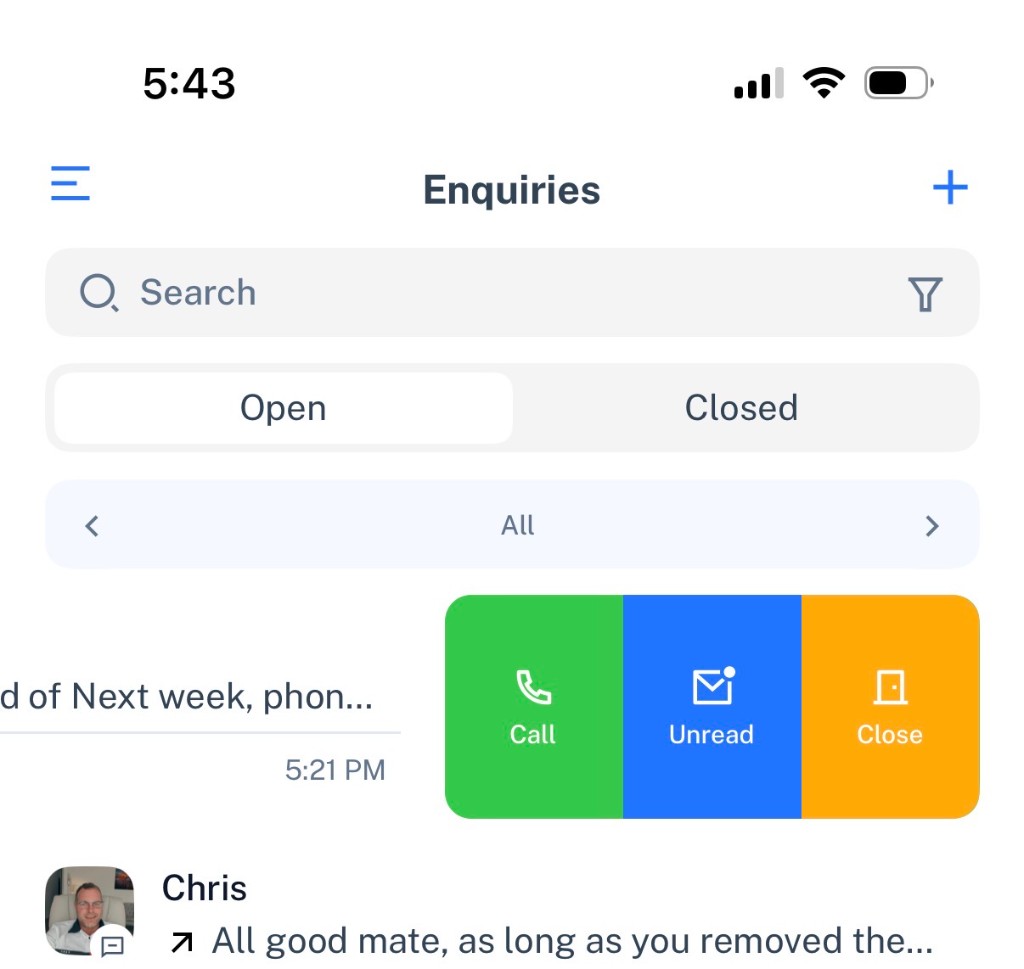
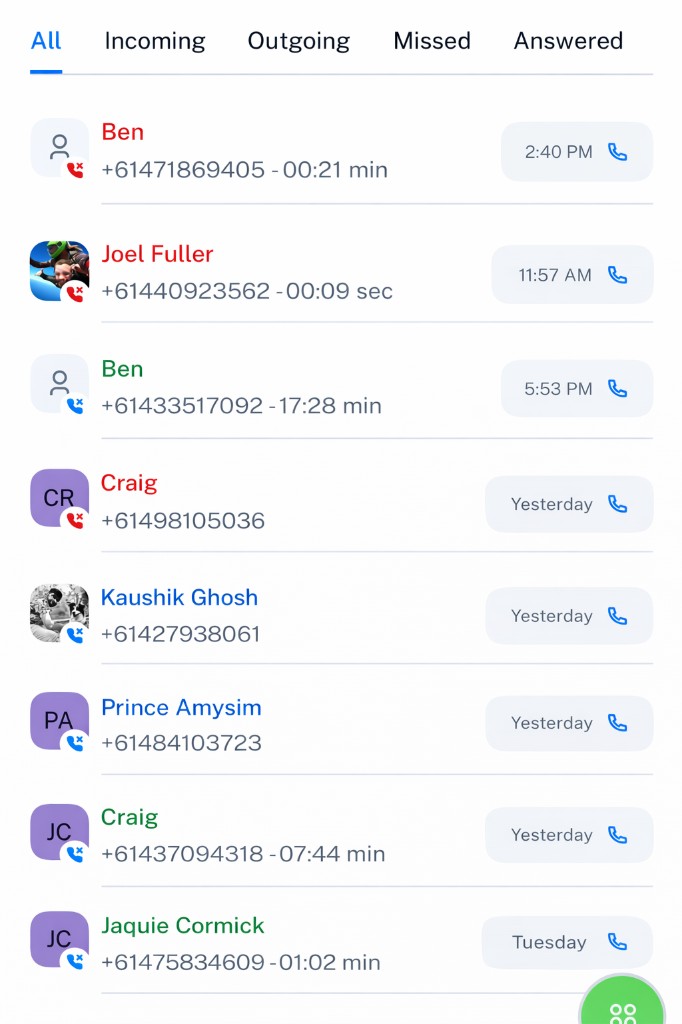
On iOS and Android you can search a contact, tap the call button, or slide to call - however you work, Coax fits in.
AI-Powered Call Intelligence
The info you need before answering
Just answer with confidence or choose to ignore the call. Coax gives you a real-time summary of who's calling, their history, and why they're likely reaching out - right on your lock screen.
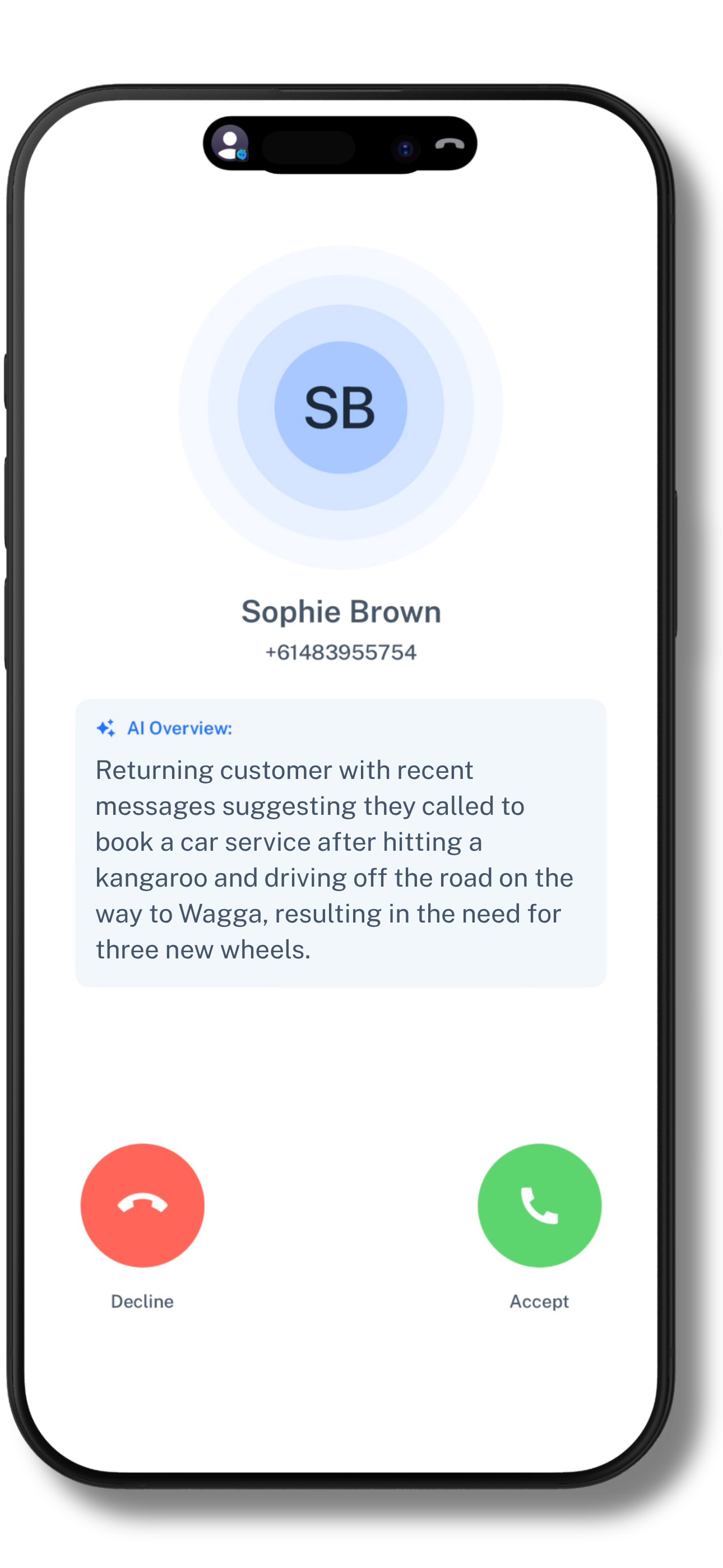
- Customer name and profile at a glance
- Channel history - calls, DMs, emails, WhatsApp
- AI summary of recent interactions
- Context before you even pick up
Click to Call
Coax Click to Call - LFG
Using job management software in the browser, ecommerce, or just sitting in Gmail? Want to make that call without copying and pasting a number? One click and you're on the line.
In the browser
Coax Phones in your browser
Make and receive calls without leaving the tab. Search contacts, dial, see recent calls - or answer incoming calls with one click. Call source (Google, Facebook, Paid, etc.) is right there so you know where the lead came from.
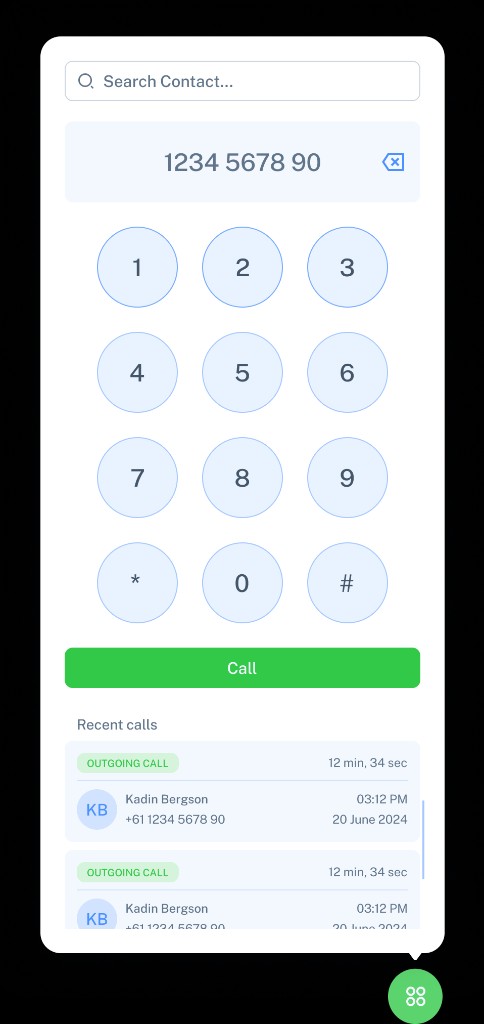
Make calls - Search contacts, dial pad, and recent calls. One click to call.
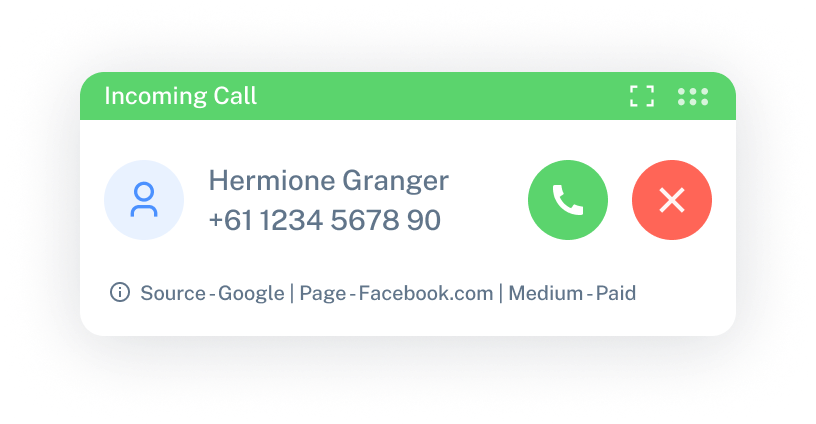
Receive calls - Incoming call popup with caller name, number, and source. Answer or decline.
- Click Transfer during a call
- Select from available users
- Internal call first - speak with your colleague
- Then transfer to the customer - warm handoff complete
Warm transfer
WARM transfer your customer
Click Transfer, select from available users, internal call first, speak with them, then transfer to the customer!
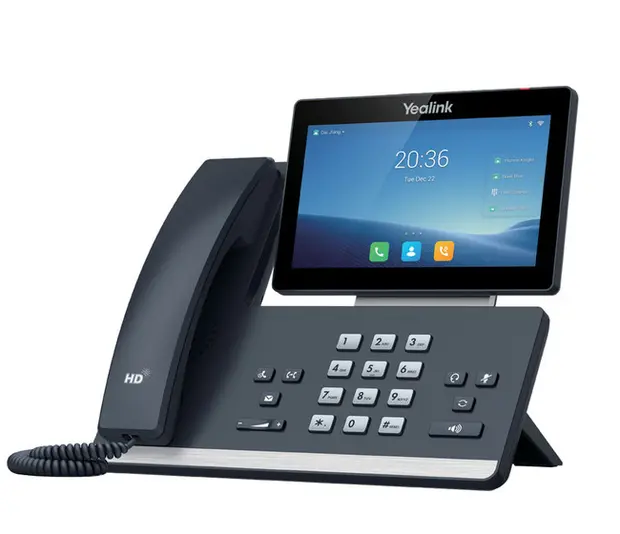
Unlimited users - just pay for what you use. Port your existing local, mobile, 13 or 1300 numbers; we make the process a breeze.
Whether you have 1 number or 10,000, Coax scales with you. All in the same thread, same waterfall.
Numbers
Your number(s) - we've got you covered
Missed a call?
Didn't get to the call on time?
Coax sends the caller an SMS to give them some love - in your words. Customise different messages for inside business hours or outside.
Want to go a step further? Instantly have your AI Assistant take over! See More Here →
This is how customer service should be. Your time and their time is precious - let's get you both to where you want to be.
Sorry we just missed your call. To continue the conversation here, how can I help?
Voicemail & more
If they leave a voicemail
It's sitting there, transcribed and summarised for you - or again, your AI Assistant has taken control.
After the call
Did you answer the call? Yes?
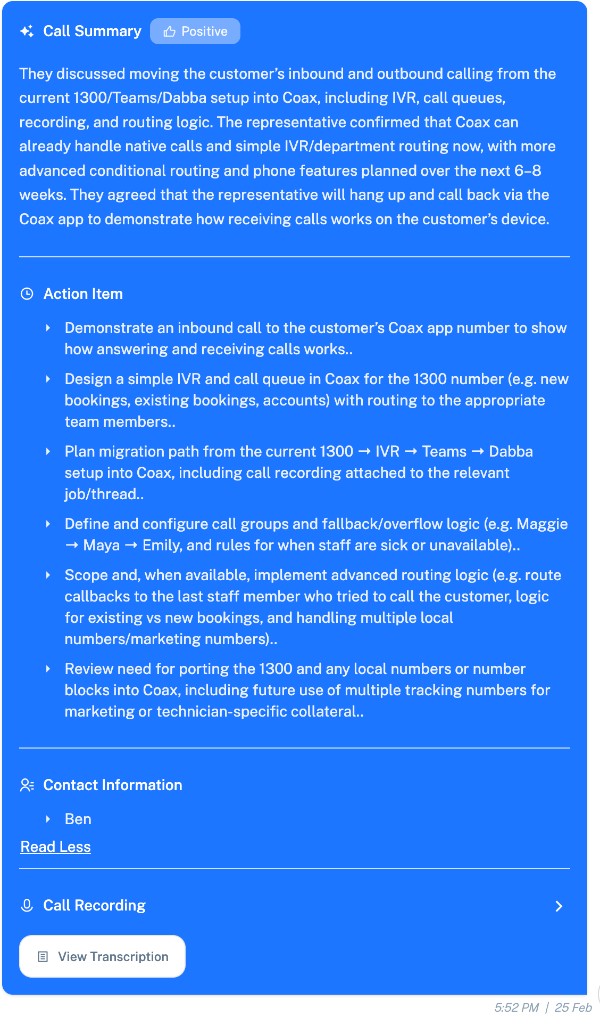
- Record, transcribe, summarise - every call. No note-taking required.
- Action items? No problem. Coax AI Assistant captures them and creates a task for you.
- First time talking to a customer? We automatically update the contact with their details from the call.
Real example of a call summary - sentiment, summary, action items, contact info, and full transcription in one place.
Frequently asked questions
Get started
Add Coax Phones to your existing Coax subscription, or sign up for a trial now.
Try Coax PhonesSee what else Coax has to offer here →